

Forgot Password
Reset your Yipii IoT account password securely. Step-by-step guide for password recovery and account security tips.
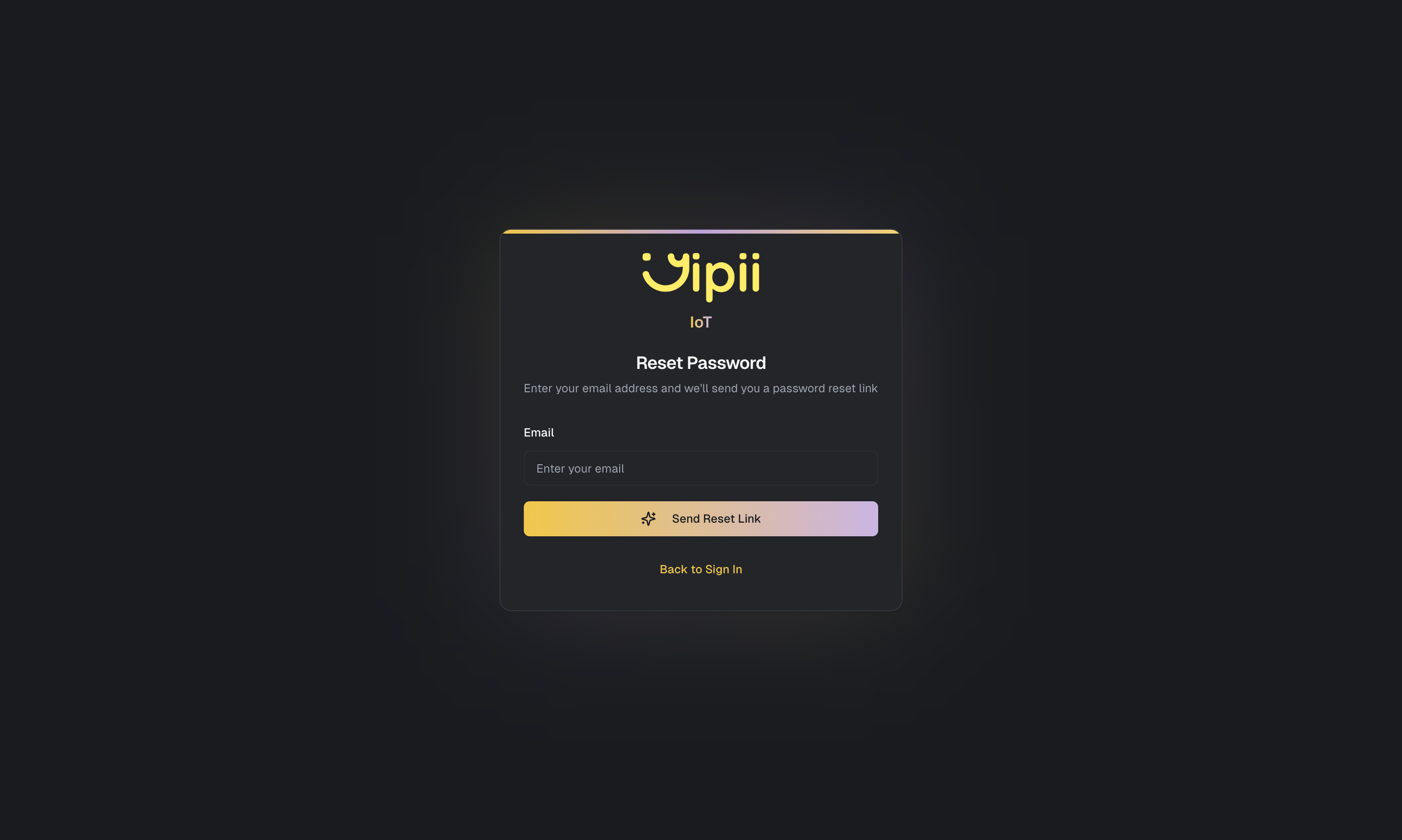
Forgot Password
If you've forgotten your password, resetting it is straightforward. Yipii IoT uses email-based verification to ensure that only you can change your credentials, keeping your fleet data secure.
Reset Your Password
Follow these steps to regain access to your account:
- Go to iot.yipii.io/auth/reset
- Enter the email address associated with your Yipii IoT account
- Click Send Reset Link
- Check your inbox for an email from Yipii IoT with the subject "Reset Your Password"
- Click the Reset Password link in the email
- Enter your new password (minimum 8 characters)
- Click Reset Password to confirm
You'll be redirected to the login page where you can sign in with your new password. Your Dashboard, fleet data, and all settings remain exactly as you left them.
Didn't Receive the Email?
Email delivery usually takes less than a minute, but there are a few things to check if the reset email hasn't arrived:
- Check your spam or junk folder — corporate email filters sometimes flag automated messages. Add noreply@yipii.com to your contacts to prevent this in the future
- Verify you entered the correct email — the reset link is sent only to the email address registered on your account. If you're not sure which email you used, contact your account administrator or support@yipii.com
- Wait a few minutes and try again — if the first attempt didn't arrive, you can request a new reset link. The previous link will be invalidated automatically
- Check with your IT department — some organizations block external emails by default. Ask your IT team to whitelist emails from yipii.com
Reset Link Expired?
Password reset links expire after 60 minutes for security. If your link has expired, simply go back to the reset page and request a new one. There's no limit to how many times you can request a reset link.
Password Requirements
Your new password must be at least 8 characters long. For the strongest security, especially for accounts with admin access to fleet data, we recommend:
- Mixing uppercase and lowercase letters with numbers
- Adding at least one special character
- Using a unique password that you don't reuse on other sites
- Avoiding common words or patterns like "password123" or your company name
Change Password (When Already Logged In)
If you're currently logged in and want to update your password proactively:
- Go to Settings from the navigation menu
- Scroll to the Security section
- Click Change Password
- Enter your current password for verification
- Enter and confirm your new password
- Click Save
This is useful when you want to strengthen your password or if you've shared your credentials temporarily and want to revoke access.
Account Security Tips
Your Yipii IoT account controls access to real-time vehicle locations, driver data, and fleet operations — keeping it secure is important.
Use a unique password that you don't share with any other service. If another site you use gets compromised, your fleet tracking account stays protected.
Log out on shared devices. If you've accessed Yipii IoT from a colleague's computer or a public terminal, sign out when you're done.
Don't share your login credentials. Instead, invite team members through User Management so each person has their own account with appropriate role-based access.
What's Next?
- Logging In — Sign in to your account after resetting your password
- Account Settings — Manage your profile and security settings
- User Management — Add team members with their own secure logins
Frequently Asked Questions
How long is the reset link valid?
Reset links expire after 60 minutes. If yours has expired, request a new one from the reset page. Each new request invalidates any previous links.
Can an admin reset my password for me?
Administrators cannot directly reset another user's password for security reasons. However, they can resend an invitation link through User Management, which allows the user to set a new password.
I no longer have access to my email address. What do I do?
Contact support@yipii.com and provide your account details (company name and any other identifying information). Our team will verify your identity and help you update the email address on your account.
Does resetting my password log me out of other devices?
Yes. When you reset your password, all existing sessions on other devices are ended. You'll need to sign in again on each device using your new password.
Was this page helpful?